Meet by design, not by chance
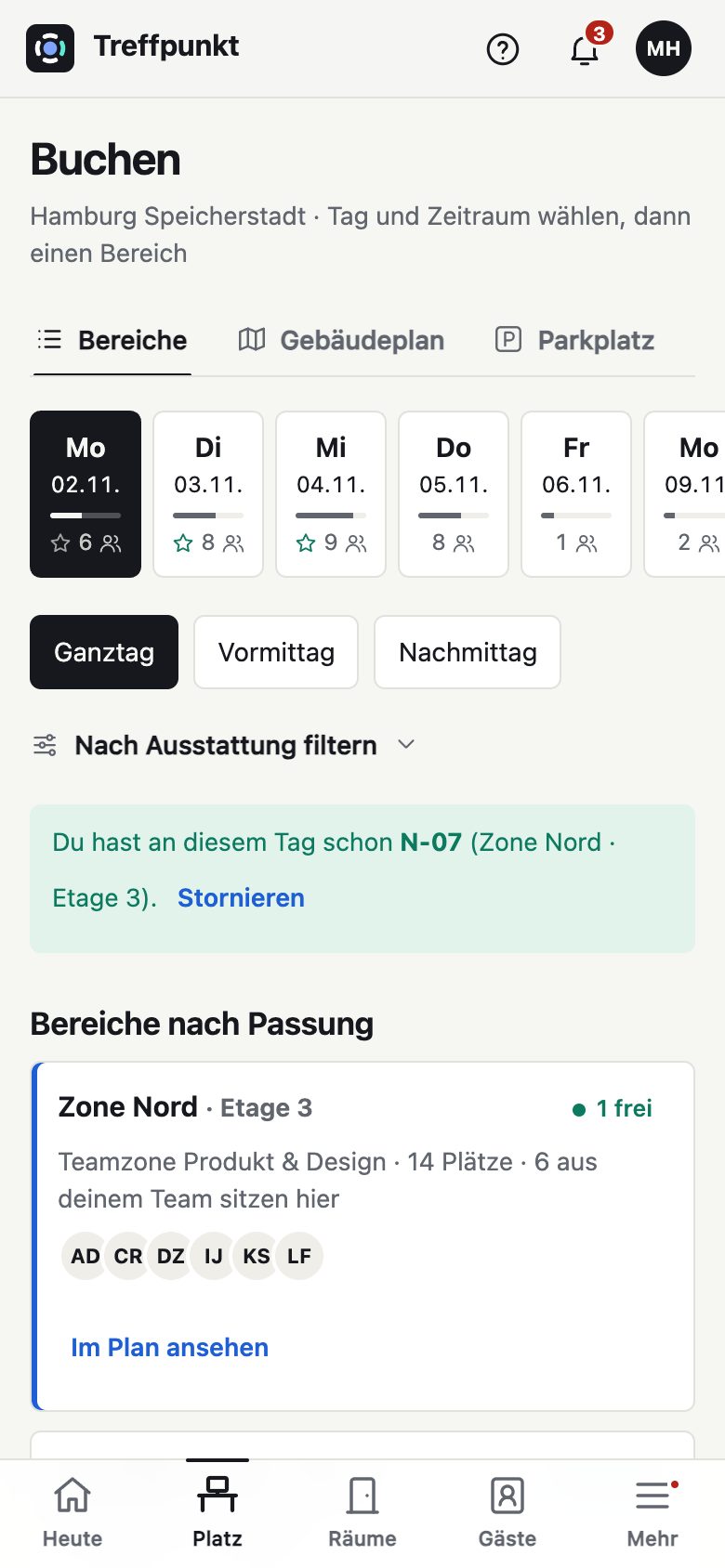
The day suggestion shows which day most of your team will be in. Team days reserve desks next to each other.
Office management software for hybrid working
officemanager.site plans office days, books desks, meeting rooms and parking spaces, and welcomes guests. Employees see at a glance when it’s worth coming in. Office and reception teams keep track of everything.
Benefits
Hybrid working rarely fails because of technology. It fails because people keep missing each other. officemanager.site shows when colleagues will be in, and makes sure your space gets used.
The day suggestion shows which day most of your team will be in. Team days reserve desks next to each other.
If someone doesn’t check in, the desk is released automatically. The waiting list moves up. Reports show which areas are really needed.
Guests receive an invitation, directions and a code. They check in on the tablet, and their host is notified straight away.
Set up your company, location and desks in a few minutes, upload a floor plan, and invite your team by email, CSV or Microsoft.
Everyone decides who sees their office days. Retention periods delete and anonymise data automatically. No tracking cookies.
In the browser on laptop, tablet and phone, with nothing to install. Live updates on every device.
Functions
Office days & team
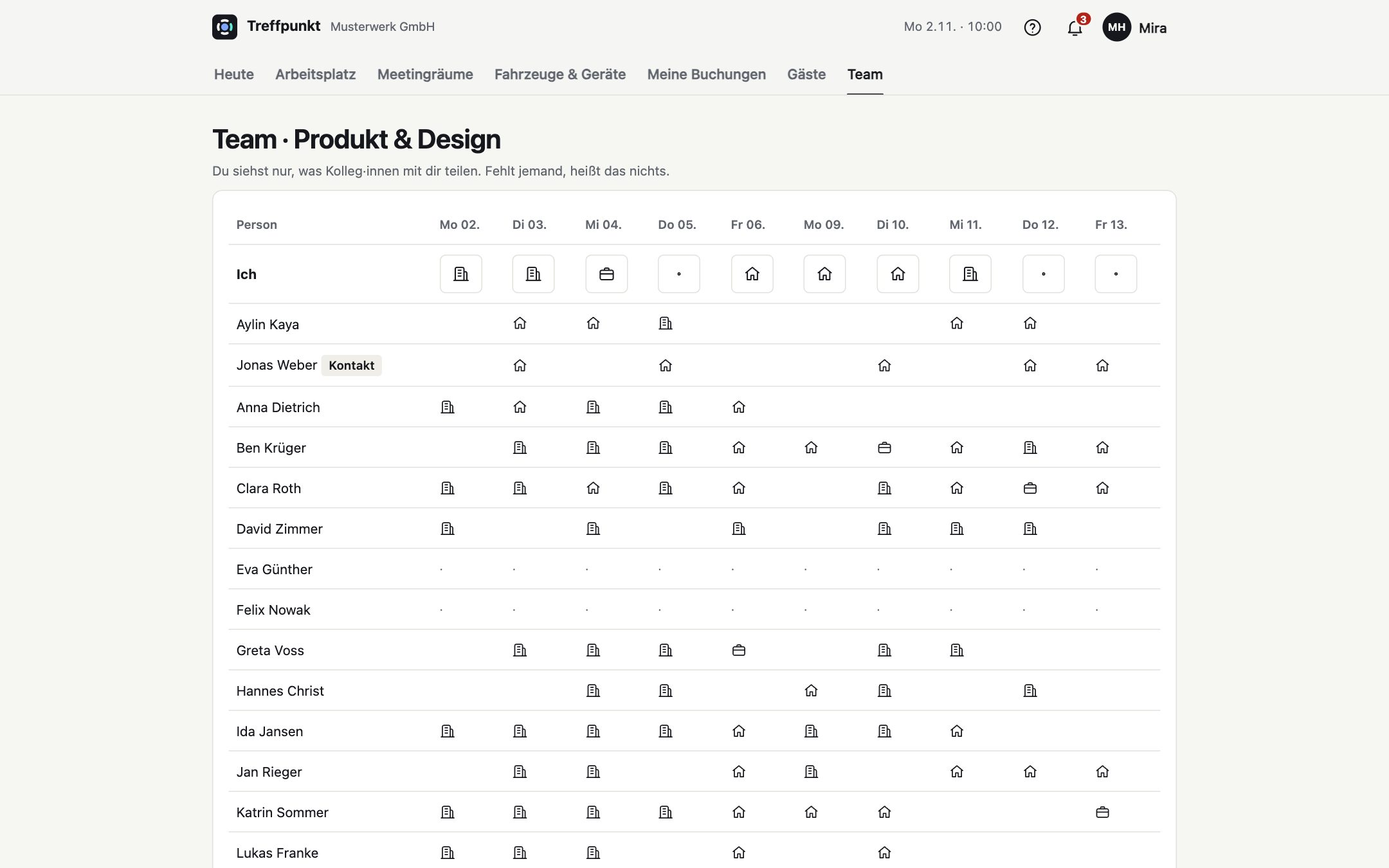
Everyone enters their week: office, remote or travelling. The team sees who will be on site and when, if everyone agrees.
Desks & floor plan
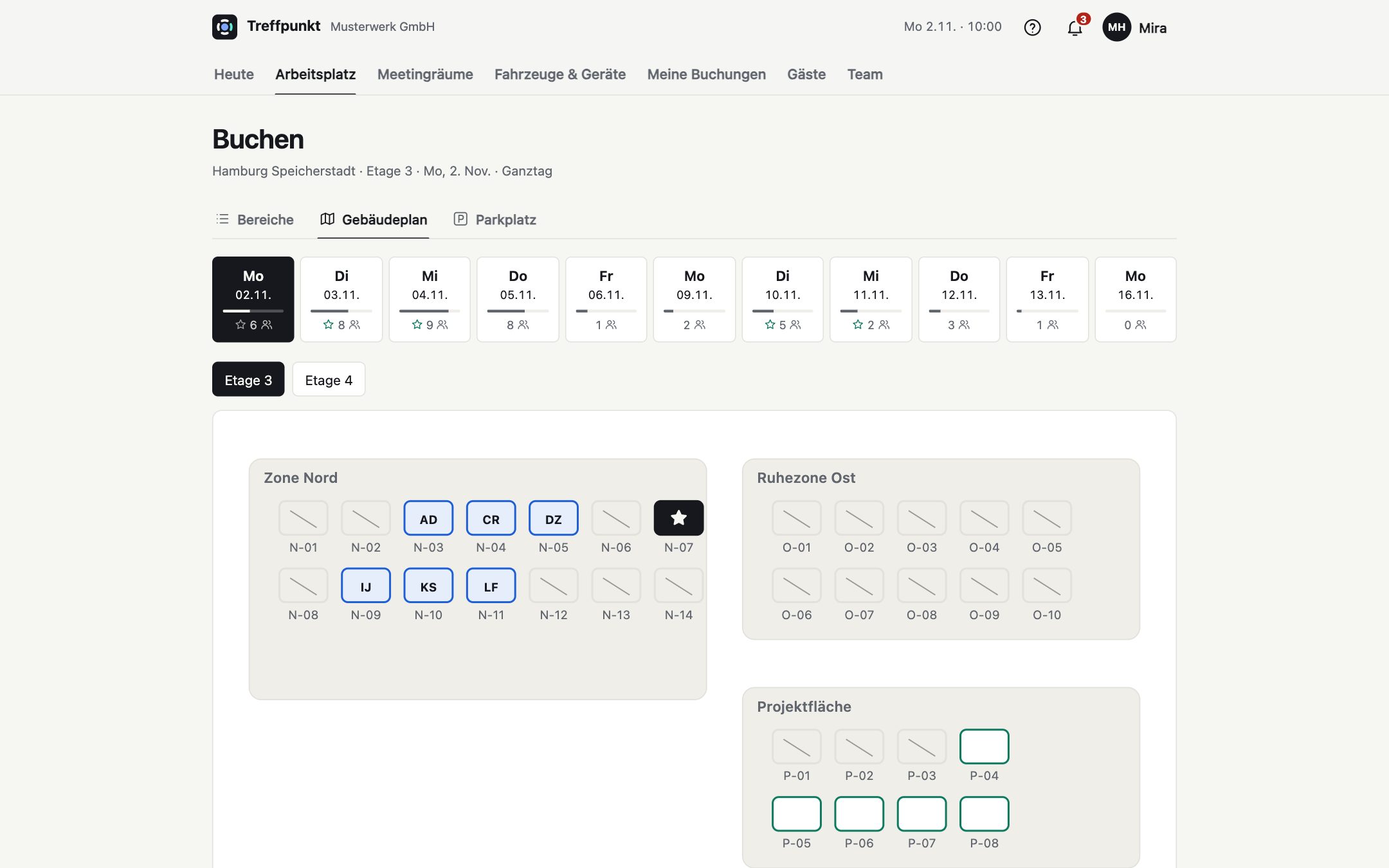
Book on the floor plan or take a suggestion next to your own team: desks, quiet zones, parking spaces and EV chargers.
Guests & reception
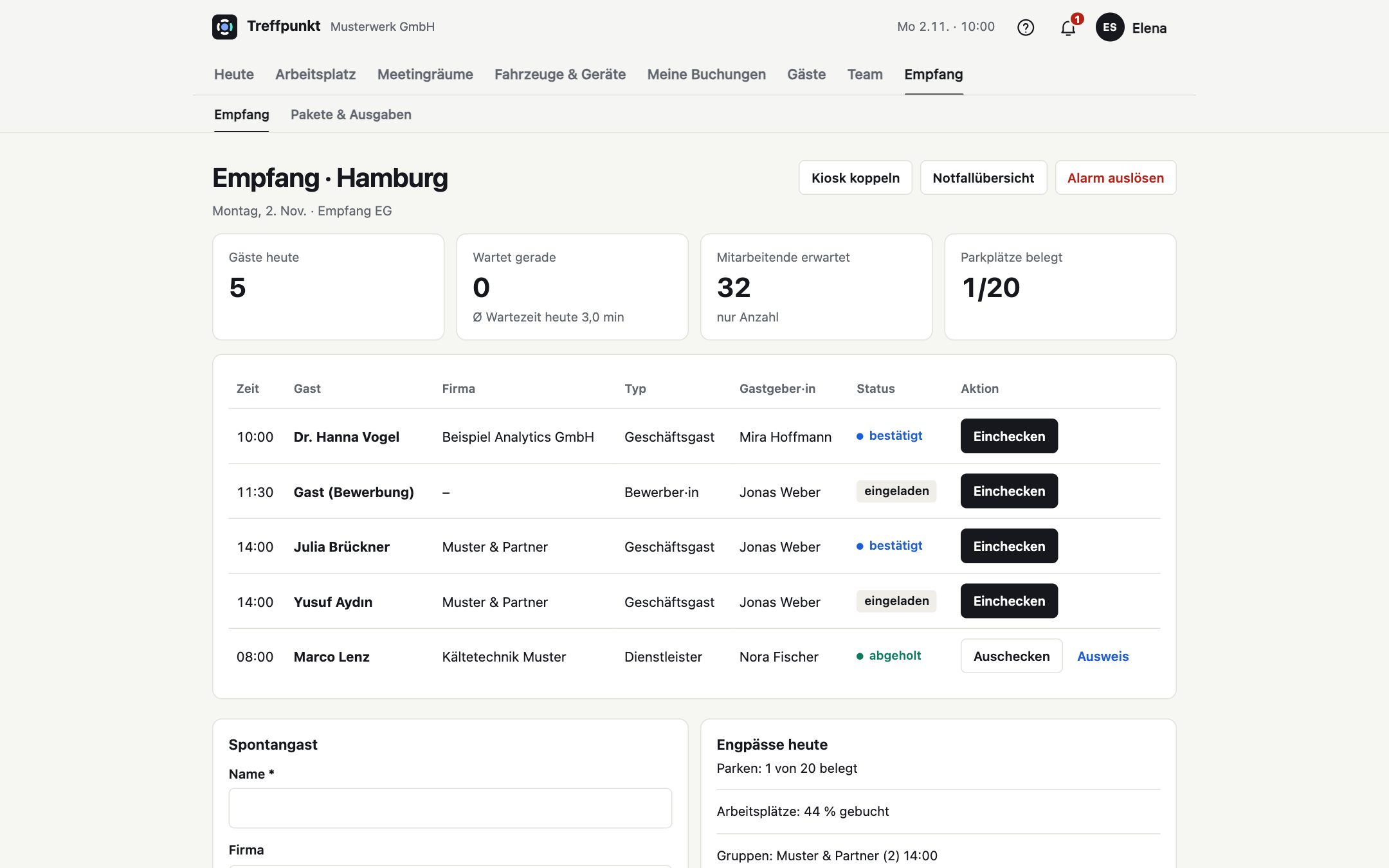
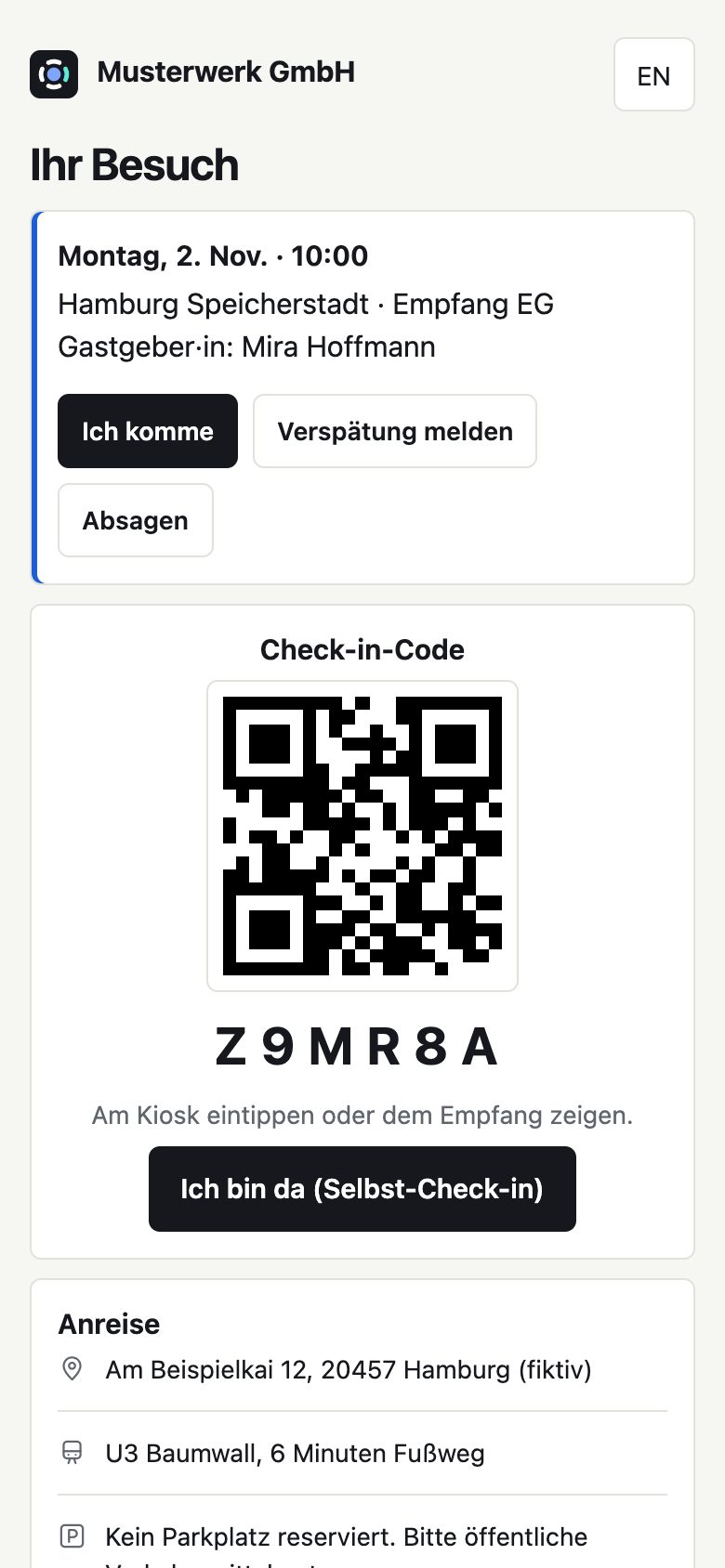
An invitation with a personal visit page, directions and a calendar entry. At reception, guests check in with a code. If the host doesn’t respond, their deputy or reception takes over.
Office & administration
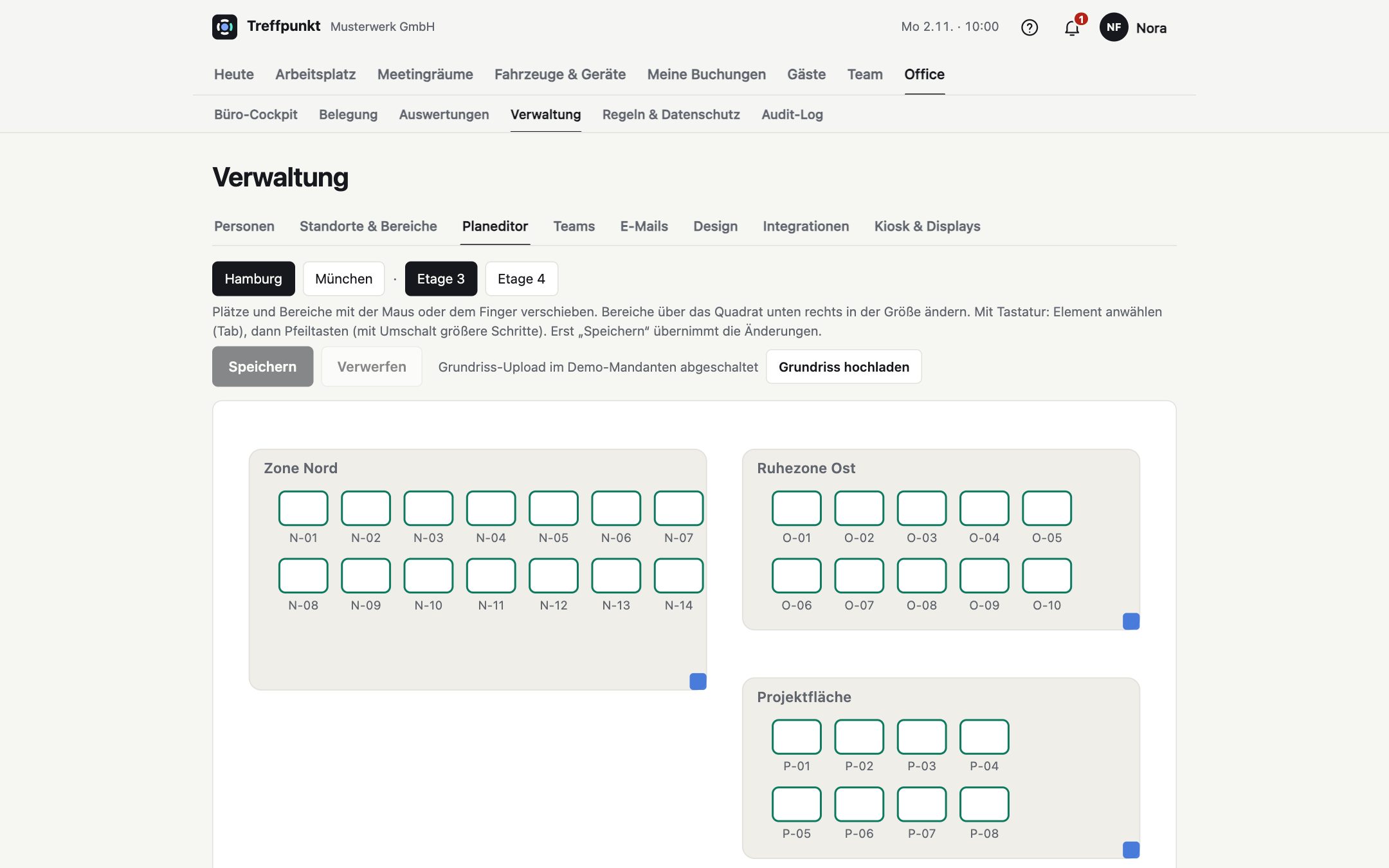
Create floors, areas and desks, upload the floor plan and place desks by dragging. Reports show occupancy by weekday and area, without identifying individuals.
Features
One tool for desks, meeting rooms, office days, guests and everyday office life, instead of spreadsheets, paper lists and five separate solutions.
Use cases
How office management, reception, employees, team leads and IT work with officemanager.site.
Office management
Until now, everyone had a fixed desk; now half of them are empty on many days. The office team sets up the location, floors and areas, uploads the floor plan and sets the rules: check in by 10 am, or the desk is released.
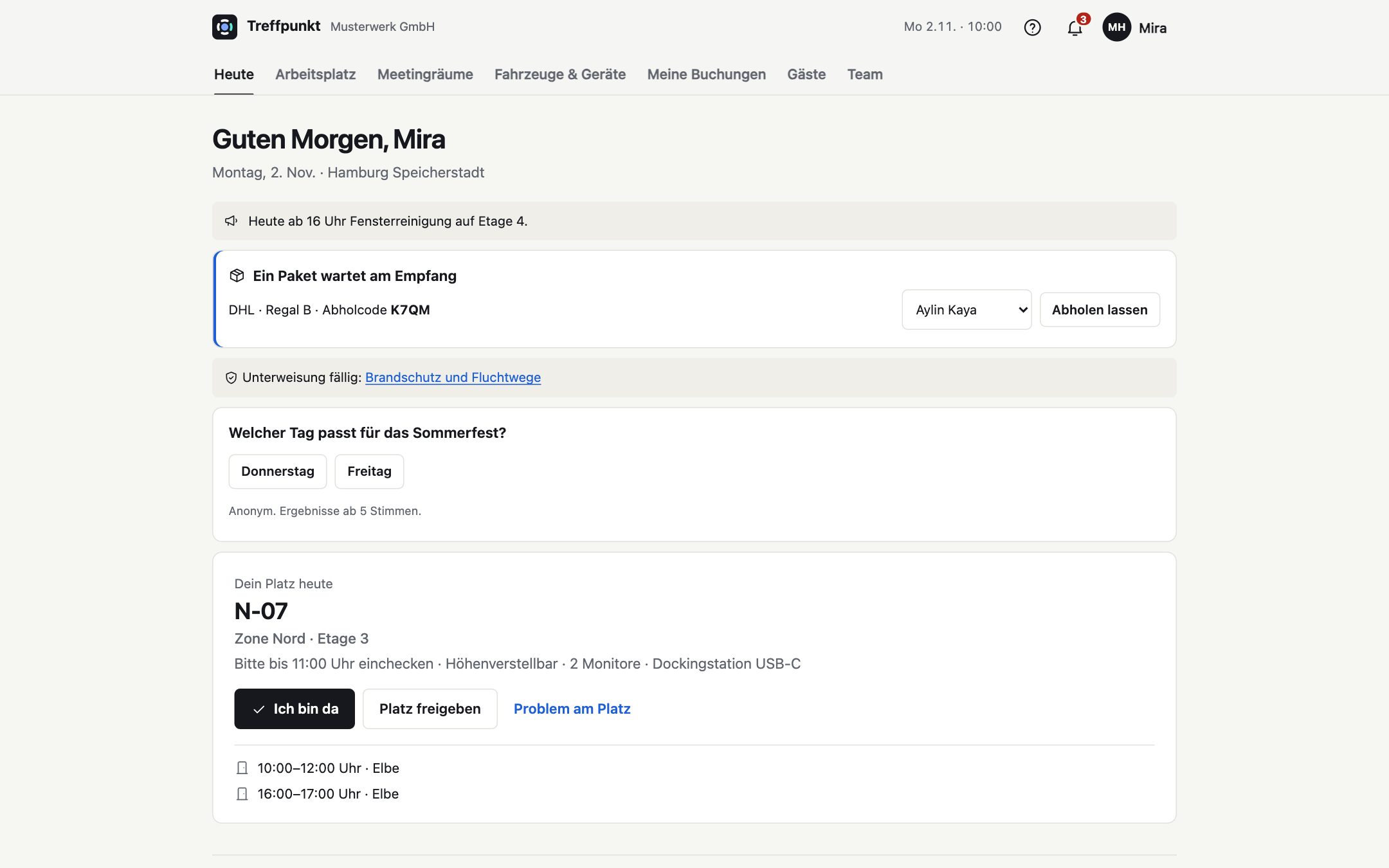
Result: Every morning, the office cockpit shows what’s coming up: guests, parcels, tickets, inspections due, supplies. Occupancy by floor shows where space is freeing up.
Reception
The guest checks in on the tablet with their code. The host gets an alert straight away. If she doesn’t respond, the message goes to her deputy and then to reception.
Result: No paper list on the desk, no phoning around, and in the evening it’s clear who is still in the building.
Employees
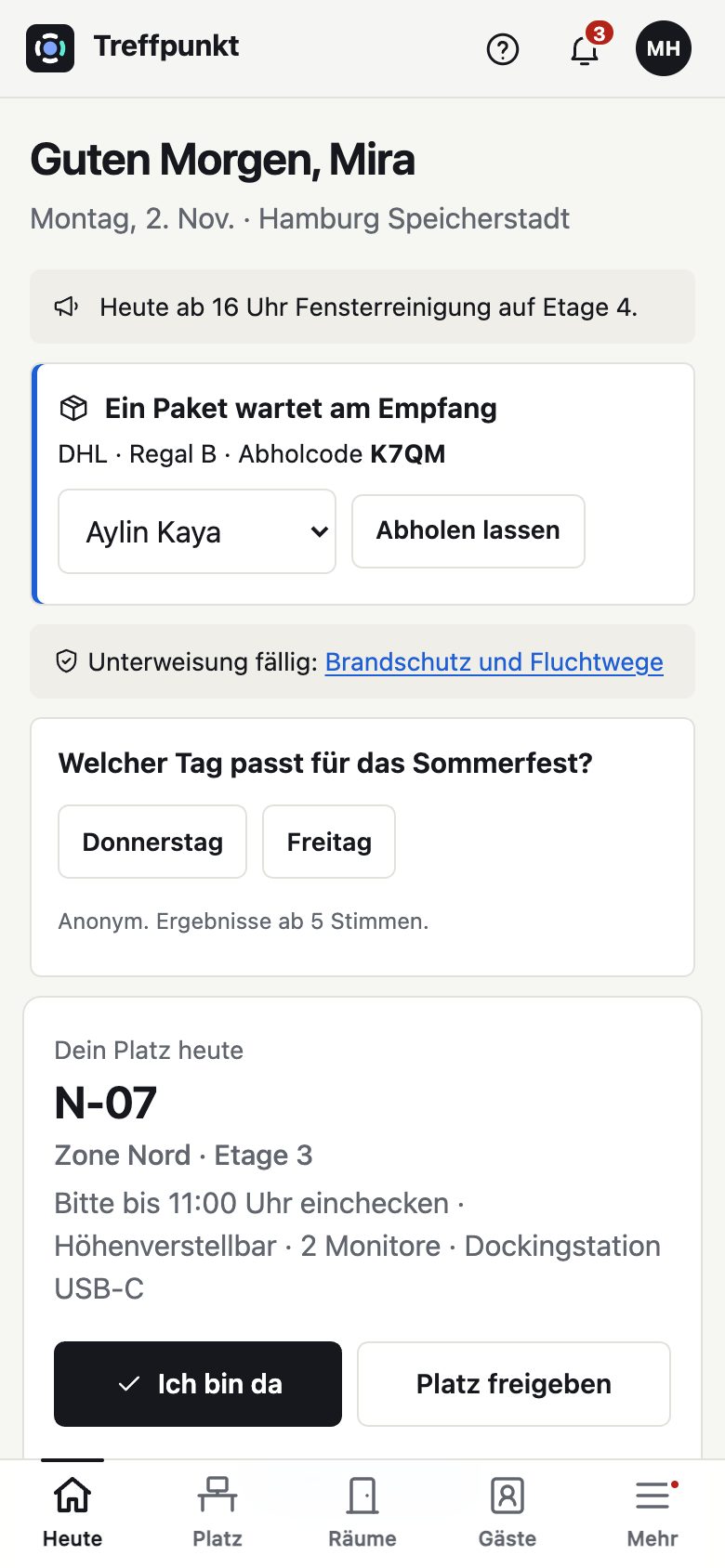
On Monday, enter your week, check the day suggestion and book a desk next to your team. Add a parking space with an EV charger and an invitation for Thursday’s client meeting.
Result: Less idle time in the office, more days together, all in a few taps on your phone.
Team lead
The team meets in the office every Wednesday. The team lead sets up the team day, and desks next to each other are reserved for the team. Anyone who can’t make that day quickly sees when most of the others will be in.
Result: Team coordination without a chat poll and without monitoring individuals.
IT & data protection
Sign in with a Microsoft work account, people are added automatically from an Entra group, and leavers are deactivated. Reports are only available for groups, and retention periods delete and anonymise data automatically.
Result: A system that IT, data protection and the works council can all get behind.
Mobile
officemanager.site runs in the browser on any smartphone. Book, check in, invite guests and respond to notifications in just a few taps.
Integrations
And works just as well without it. All integrations are optional and can be set up in the admin area in a few clicks.
Employees sign in with their work account. If you wish, you can allow Microsoft sign-in only, with your own MFA and access policies.
People in a group are created automatically, names are kept up to date and leavers are deactivated, with preview and safety stop.
Office days and visits as a calendar subscription for Outlook, Google and Apple. Alerts to the reception or office channel in Teams or Slack.
Security & privacy
officemanager.site collects only what planning requires, and deletes it again. That makes conversations with your data protection officer and works council easier.
Privacy noticeHow to get started
FAQ
No. officemanager.site works with its own accounts and email invitations. Microsoft sign-in, Entra sync and Teams alerts are optional extras.
No, everything runs in the browser. If you like, you can add officemanager.site to your iPhone, iPad or Android device as an app in two taps, with no app store involved. Tablets at reception or next to meeting rooms are paired once and then show the kiosk or room display.
Everyone decides for themselves: nobody, their own team or everyone. Other people’s check-ins are never visible. Reports only show groups, never individuals.
Any current iPad or Android tablet with a browser. The display shows whether the room is free or busy, and you can book on the spot, extend, end early or move to a free room. Names never appear on the display, and private appointments are shown without a title.
The basic setup with location, desks and first invitations is done in a day. You can then refine the plan step by step.
Yes. Each location has its own floors, areas, opening hours, public holidays and time zone. Office and reception roles apply per location.
Name, company and visit time are used only for reception and security, and are anonymised automatically after the period you set. Job interviews appear at reception in brief only.
Sign in and set up your sites.